
Download PCSX2 – PlayStation 2 emulator, PC gaming, retro games, game emulator, play PS2 games on PC
Overview
PCSX2 is a dedicated emulator designed to replicate the functionality of the Sony PlayStation 2 console on personal computers. Its primary purpose is to enable users to play a vast library of PlayStation 2 games using modern PC hardware. This application directly addresses the challenge of accessing classic console titles that may no longer be playable on original hardware due to aging components or discontinued support.
The target audience includes retro gaming enthusiasts, collectors, and casual players seeking to revisit beloved titles from the early 2000s. The software is developed and maintained by the PCSX2 Team, a community-driven group focused on preserving gaming history through accessible emulation technology. Real-world use cases range from reliving nostalgic gaming experiences to experimenting with enhanced visual fidelity beyond the original console's capabilities.
Within the broader app ecosystem, PCSX2 holds significant importance as a cornerstone tool for digital preservation and retro gaming accessibility, bridging the gap between legacy console experiences and contemporary computing environments. It empowers users to maintain and enjoy a substantial portion of gaming history without reliance on physical hardware.
Key Features & Functionality
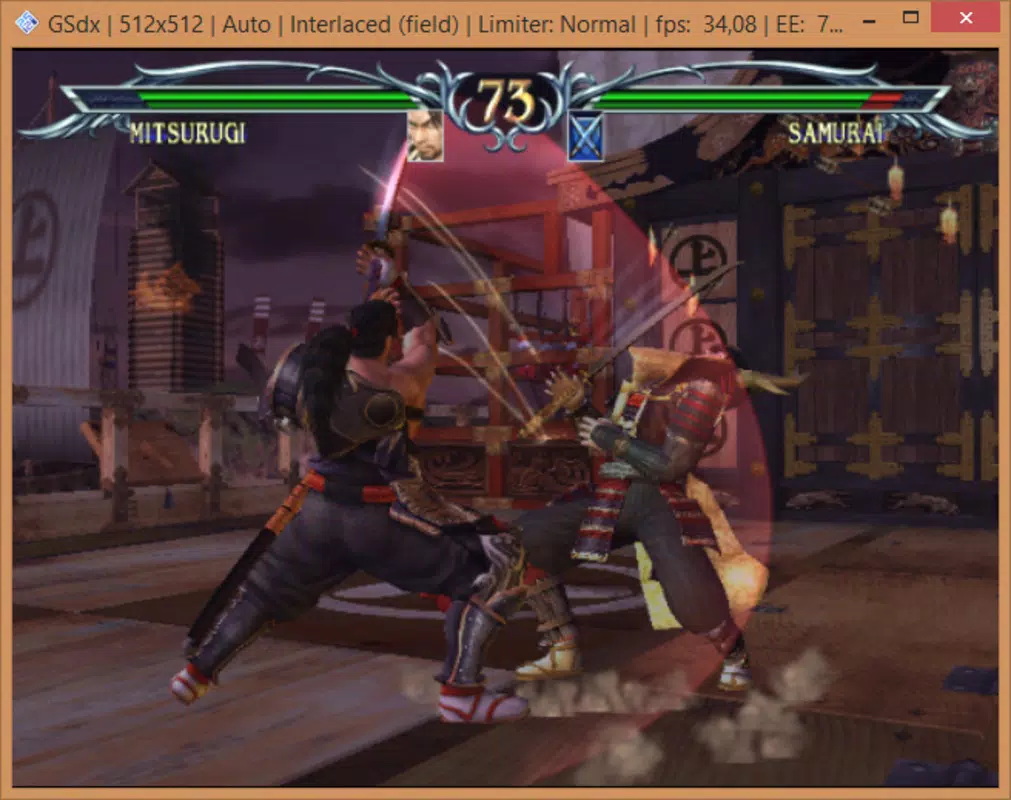
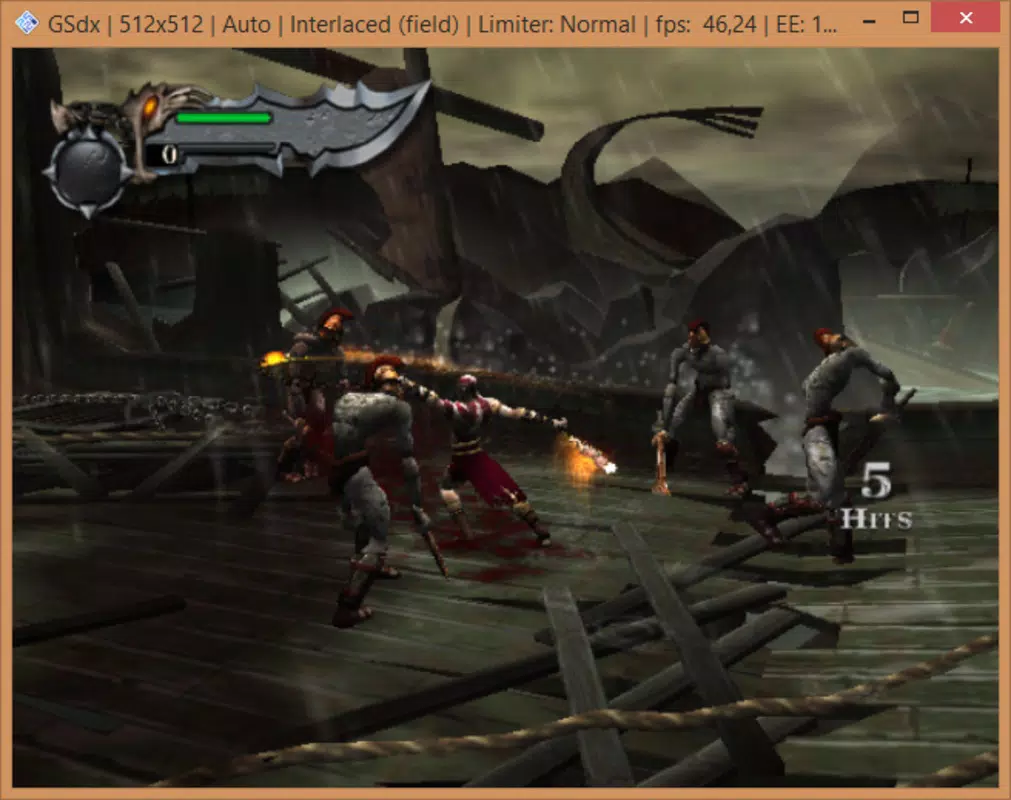
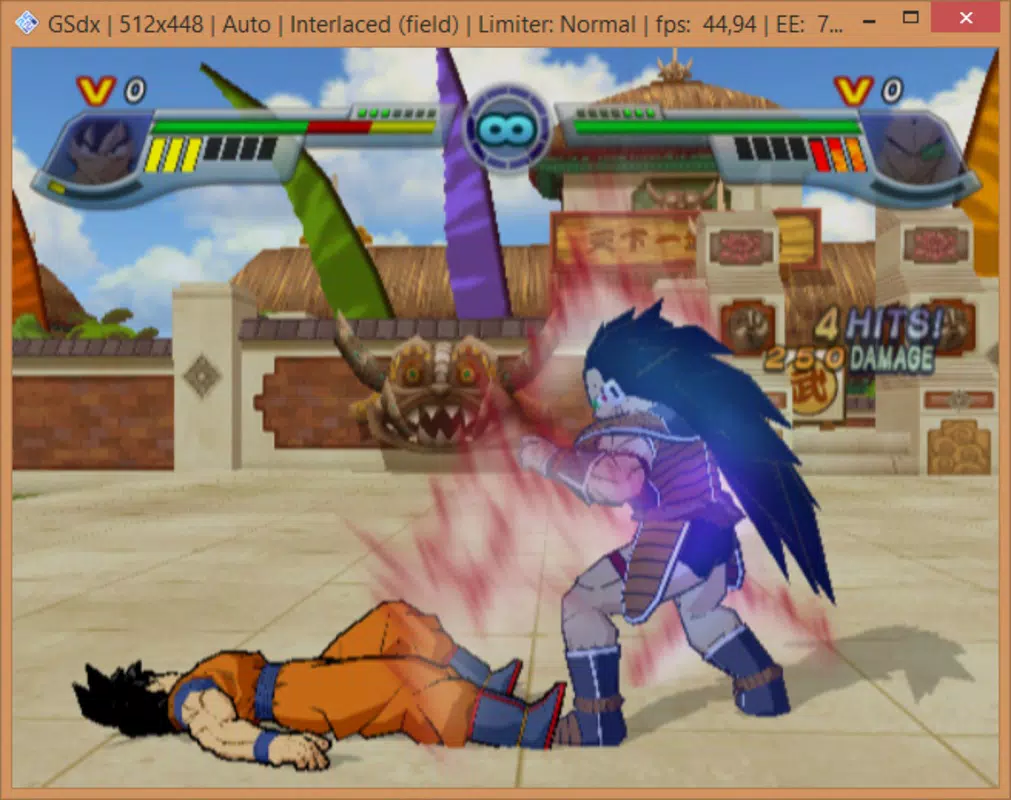
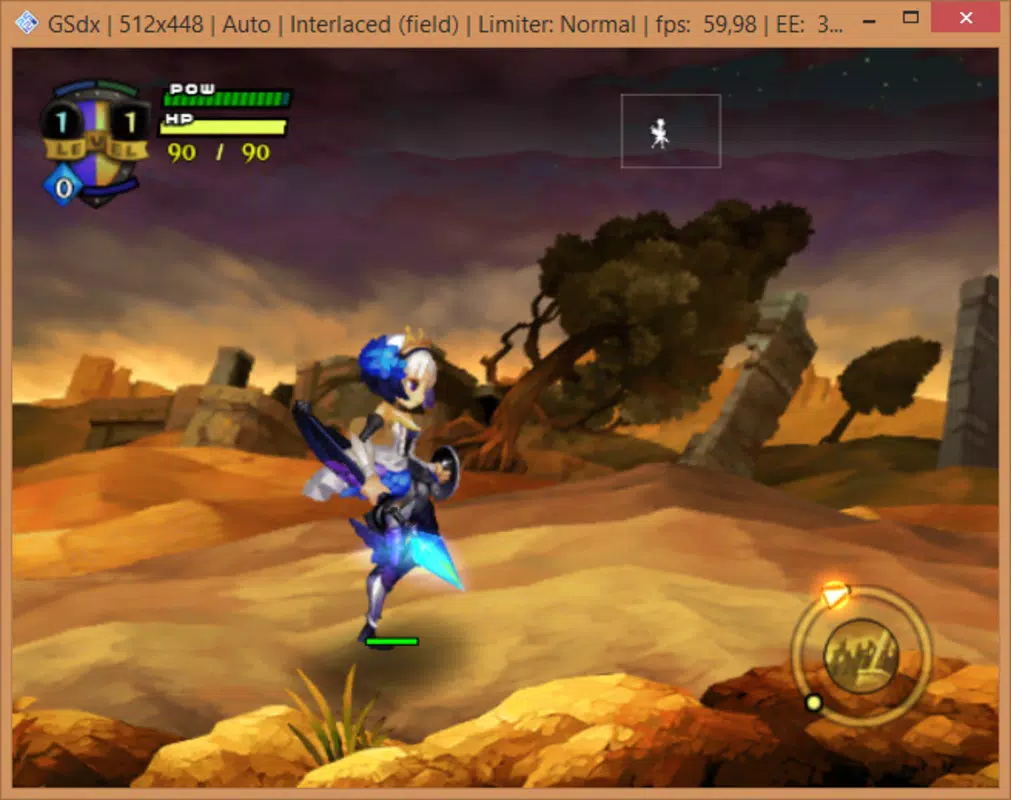
PCSX2 offers a comprehensive suite of tools tailored for authentic and customizable retro gaming. The core functionality centers on the ability to adjust graphics settings extensively, including resolution scaling, rendering system selection, shader application, and texture filtering. These options allow users to significantly enhance visual clarity and detail beyond the original PlayStation 2's output, providing a modernized aesthetic experience.
The emulator supports multiple input methods, enabling users to configure game controllers for optimal playability. Audio parameters are also customizable, allowing adjustments to volume levels and output settings to suit individual preferences. A notable feature mentioned in the description is the capability to save game progress on an external SIM card, though specific technical details regarding this process were not provided.
The software facilitates game loading from both physical DVD drives and digital image files stored on the hard drive, offering flexibility and convenience. With over 1500 compatible games documented, users have access to a broad selection of titles. While occasional glitches may occur on specific titles, the software demonstrates consistent performance across most supported games, making it a reliable platform for sustained retro gaming sessions.
Feature List
- Highly customizable graphics settings including resolution scaling and shader support
- Multiple rendering system options for varied visual and performance results
- Adjustable audio output and volume controls
- Support for game controller configuration and input mapping
- Game loading from physical DVD drives or digital image files
- Save game functionality via external SIM card (as per provided information)
- Compatibility with over 1500 PlayStation 2 titles
Interface, UX & Performance
The user interface of PCSX2 is designed with functionality and accessibility in mind, catering to both novice users and experienced emulation enthusiasts. The layout organizes core settings and game management tools into intuitive menus, facilitating straightforward navigation through configuration options. Visual style emphasizes clarity and utility, prioritizing functional elements over decorative design.
Navigation flow is logical, guiding users through setup processes like BIOS installation and game loading with minimal friction. The emulator is noted for being easy to use, suggesting a low barrier to entry for new users. Performance characteristics are inherently dependent on the host PC's hardware, as stated in the documentation.
Although the developer did not list formal performance metrics, the software is reported to run most compatible games smoothly. Responsiveness is generally strong during gameplay, with minimal lag when system requirements are met. Stability appears robust across a wide range of titles, though occasional glitches on specific games are acknowledged.
The overall user experience balances advanced customization with approachable operation, making it suitable for users seeking both control and ease of use. The lightweight file size of 24.8 MB contributes to efficient installation and minimal system resource consumption.
Platform Compatibility & Technical Requirements
PCSX2 is exclusively available for the Windows operating system. The current version is 1.7.1034, with a file size of 24.8 MB. The developer did not specify minimum OS requirements, leaving compatibility with specific Windows versions (such as Windows 7, 10, or 11) undefined.
The application is distributed as a free tool, requiring no purchase for installation or use. Users must ensure their Windows-based PC meets the hardware demands necessary to run the emulator effectively, particularly for graphics-intensive games. The software requires an external BIOS file for the PlayStation 2, which is not included in the download package and must be obtained separately by the user.
This file is essential for the emulator to function correctly, as it provides the core system firmware. The absence of explicit system requirements means users must rely on community guidance or trial-and-error to determine if their device can support the application. Despite the lack of detailed technical specifications, the application's lightweight size suggests it is optimized for efficient operation on a wide range of Windows machines.
Pros and Cons
Pros
- Free to download and use, eliminating cost barriers for retro gaming
- Supports over 1500 PlayStation 2 games, offering extensive title availability
- Extensive graphics customization options for enhanced visual quality
- Flexible game loading from physical discs or digital image files
- Designed with ease of use in mind, accessible to non-technical users
- Lightweight file size of 24.8 MB for efficient installation
Cons
- Requires a separate, manually obtained BIOS file not included with the software
- Specific system requirements and compatibility details were not provided
- Performance is highly dependent on host PC hardware capabilities
- Occasional glitches reported on certain games despite overall stability
- Save game functionality via external SIM card lacks technical clarification
FAQ
Is PCSX2 free to download and use?
Yes, PCSX2 is available at no cost. The software is distributed free of charge, allowing users to access and play PlayStation 2 games without purchasing a license.
Do I need a PlayStation 2 BIOS to use PCSX2?
Yes, a PlayStation 2 BIOS file is required for the emulator to function. This file is not included in the PCSX2 download package and must be obtained separately by the user.
Can I play games from my physical PS2 disc using PCSX2?
Yes, PCSX2 supports loading games directly from a physical DVD drive connected to your Windows PC, allowing you to play original discs.
Is PCSX2 compatible with all PlayStation 2 games?
PCSX2 supports over 1500 PlayStation 2 titles, but compatibility is not universal. Some games may experience glitches or fail to run, depending on the specific title and your system configuration.
How do I save my game progress in PCSX2?
According to the provided information, game saves can be stored on an external SIM card. However, detailed instructions or technical specifications for this process were not included.
Final Thoughts
PCSX2 stands as a powerful and accessible solution for enthusiasts dedicated to preserving and enjoying PlayStation 2 gaming history on modern Windows systems. Its extensive library of compatible games, coupled with deep customization options for graphics and audio, offers a compelling blend of nostalgia and modern enhancement. The free distribution model lowers entry barriers, while the intuitive interface supports both beginners and advanced users.
Although the requirement for a separate BIOS file and the absence of detailed system requirements present minor setup hurdles, the overall experience remains highly rewarding. The software’s ability to run a vast majority of PS2 titles smoothly makes it an indispensable tool for retro gaming communities. For anyone passionate about classic console experiences, PCSX2 delivers exceptional value by transforming a PC into a fully functional PlayStation 2 environment.
Download PCSX2 now


